

♥BAR
On time
The barn
Our wedding
61D16H19M
Now boarding
Depart turns every date that matters into an airport departures board — and puts it where you'll actually see it.
Soonest at the top, exactly as the app sorts it. Every row is live.


Free with three countdowns. iPhone, iOS 26 or later.
Not just flights
The departures board is the metaphor, not the subject. Depart gives every date the same treatment an airport gives a departure: a destination, a three-letter code, and a clock that keeps moving whether you're looking or not.
The barn
Our wedding
Due date
Baby
Last day
New job Monday
Lisbon
Long weekend
Four of the nine board styles. Pick one per countdown, so a wedding and a work deadline never look like the same thing.





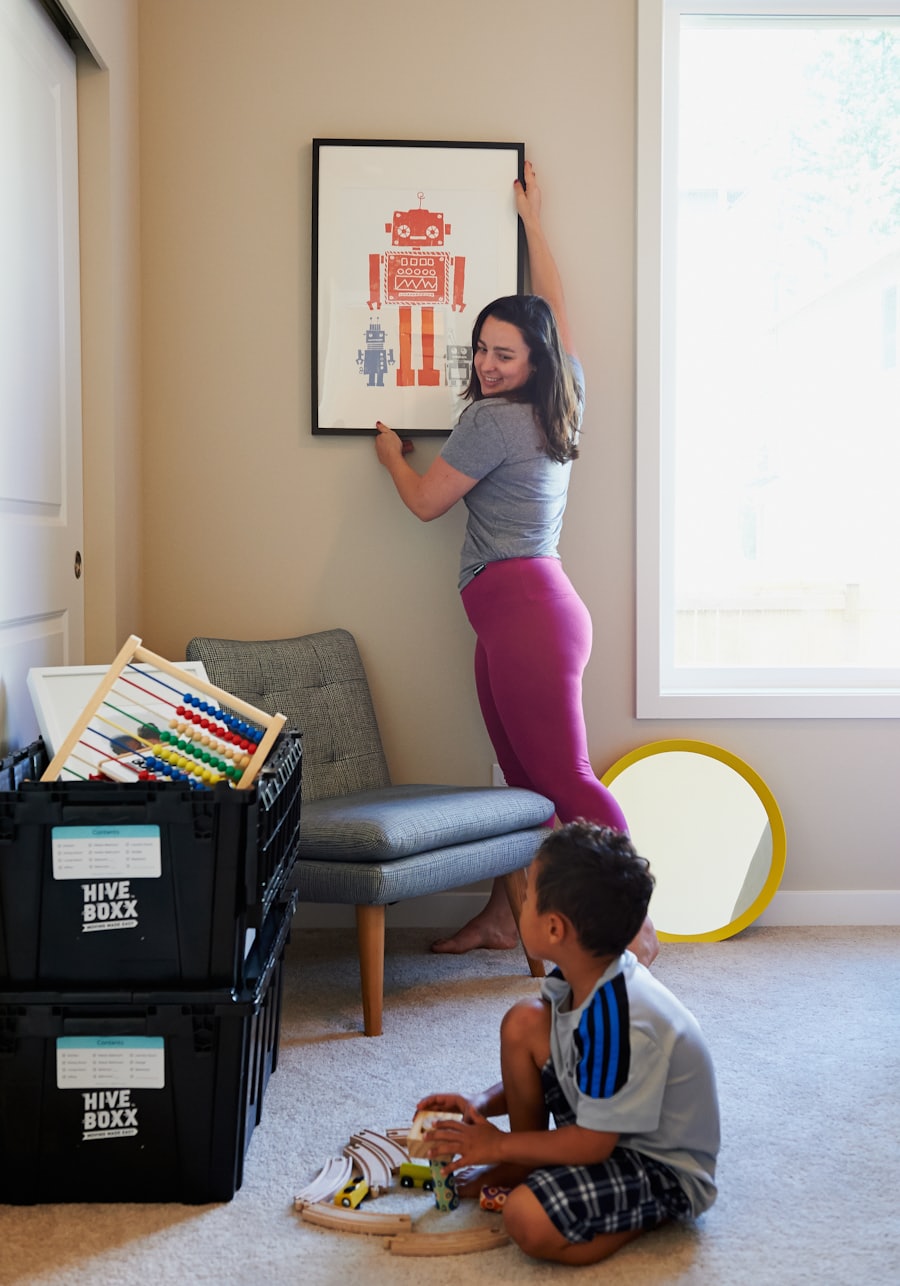
Photographs by Leonardo Miranda, @felirbe, Nathan Dumlao, Max Andrey, Muneeb S, HiveBoxx on Unsplash.
Showcase
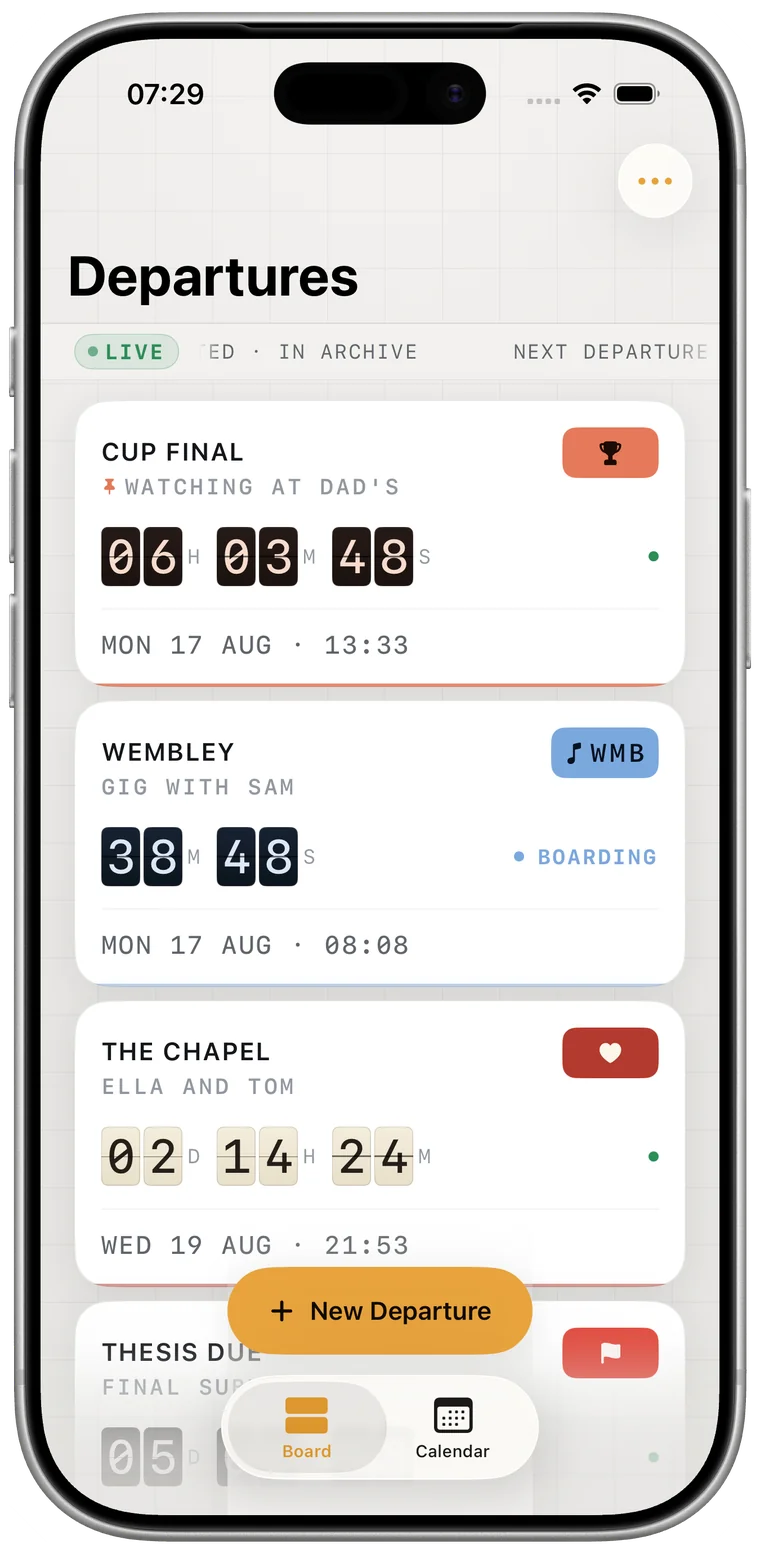
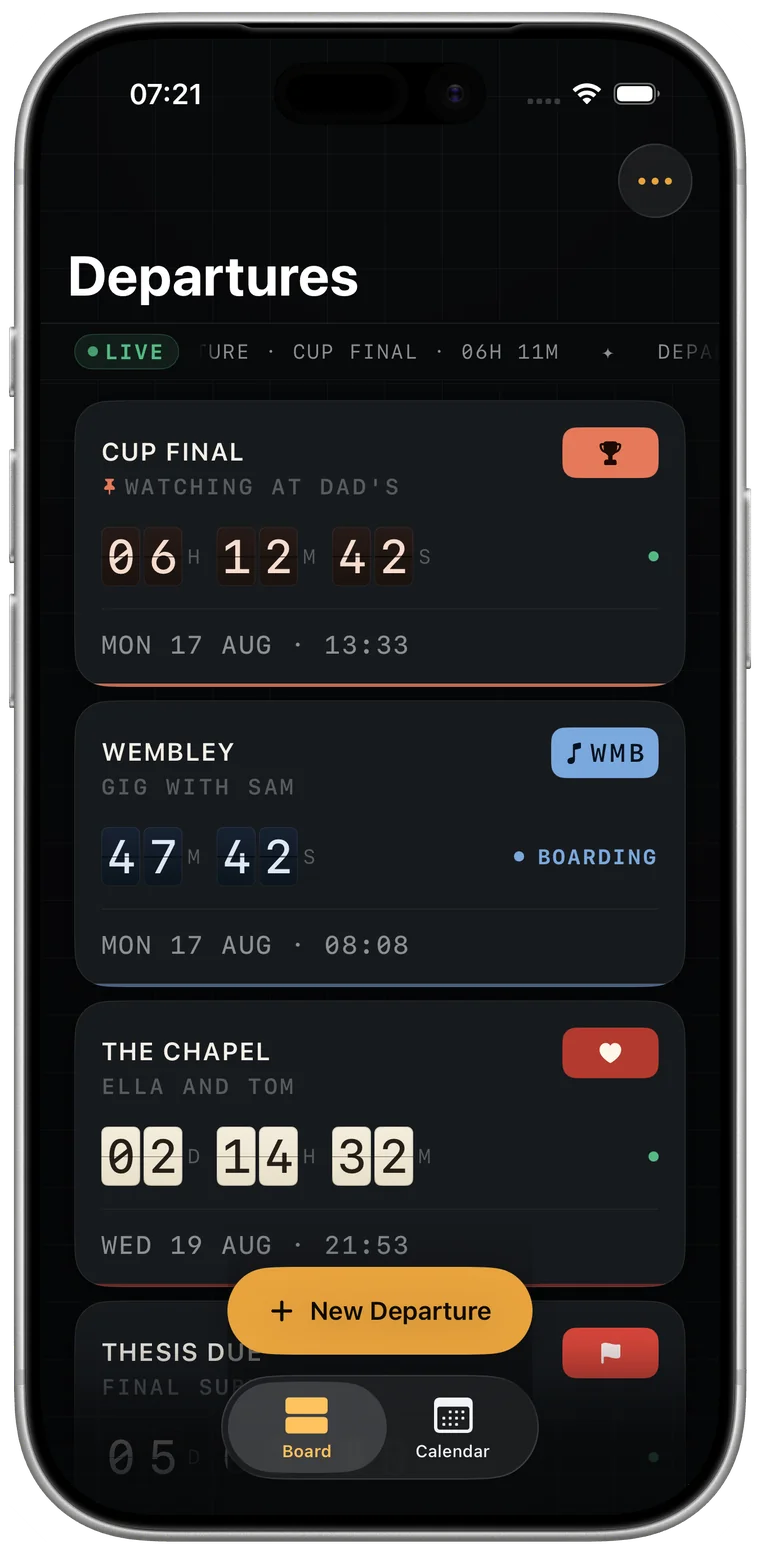
The board
Soonest first, pinned ones on top. Each countdown gets a destination, a three-letter code, and a counter that flips character by character as the days come down.
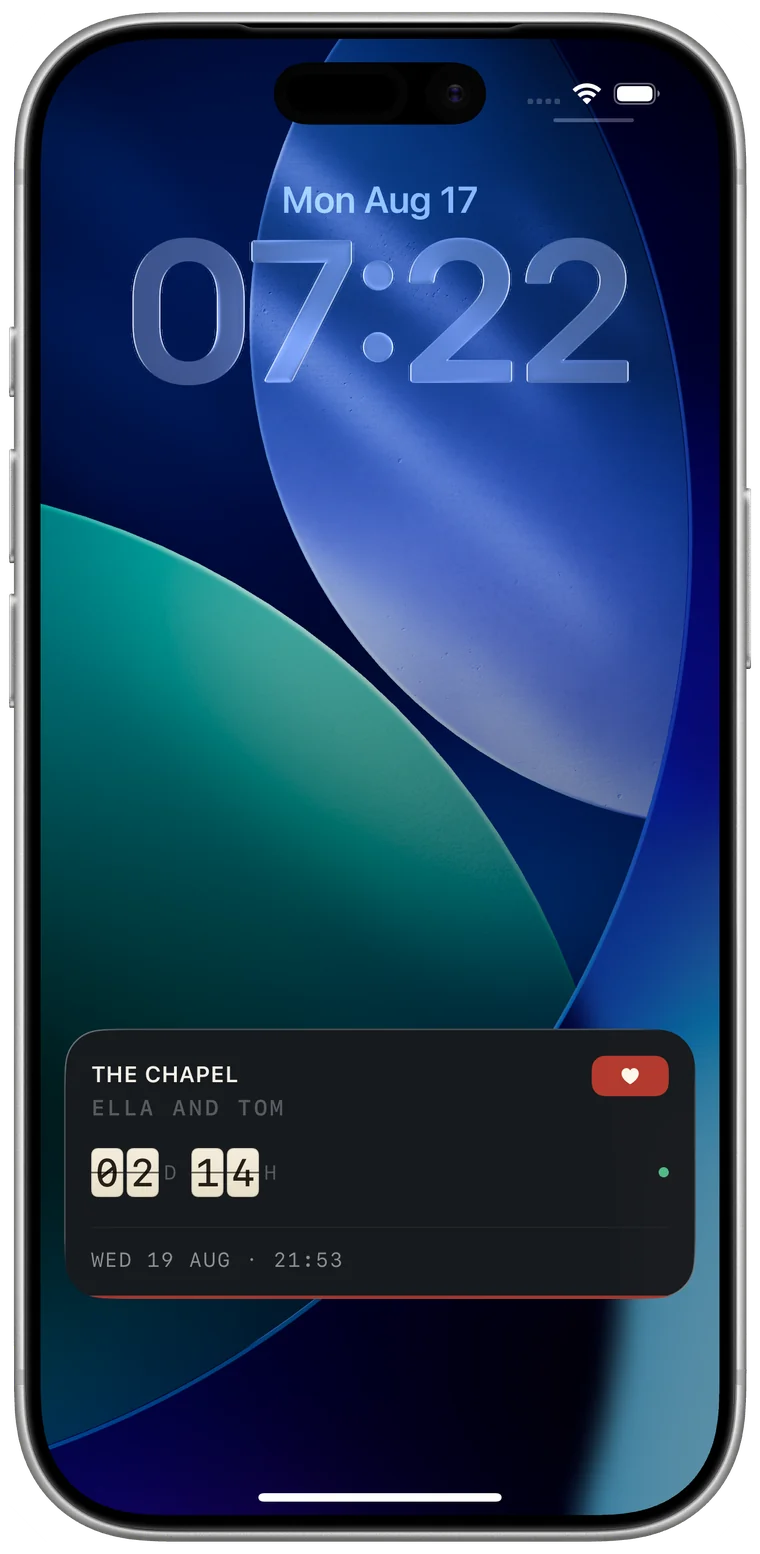
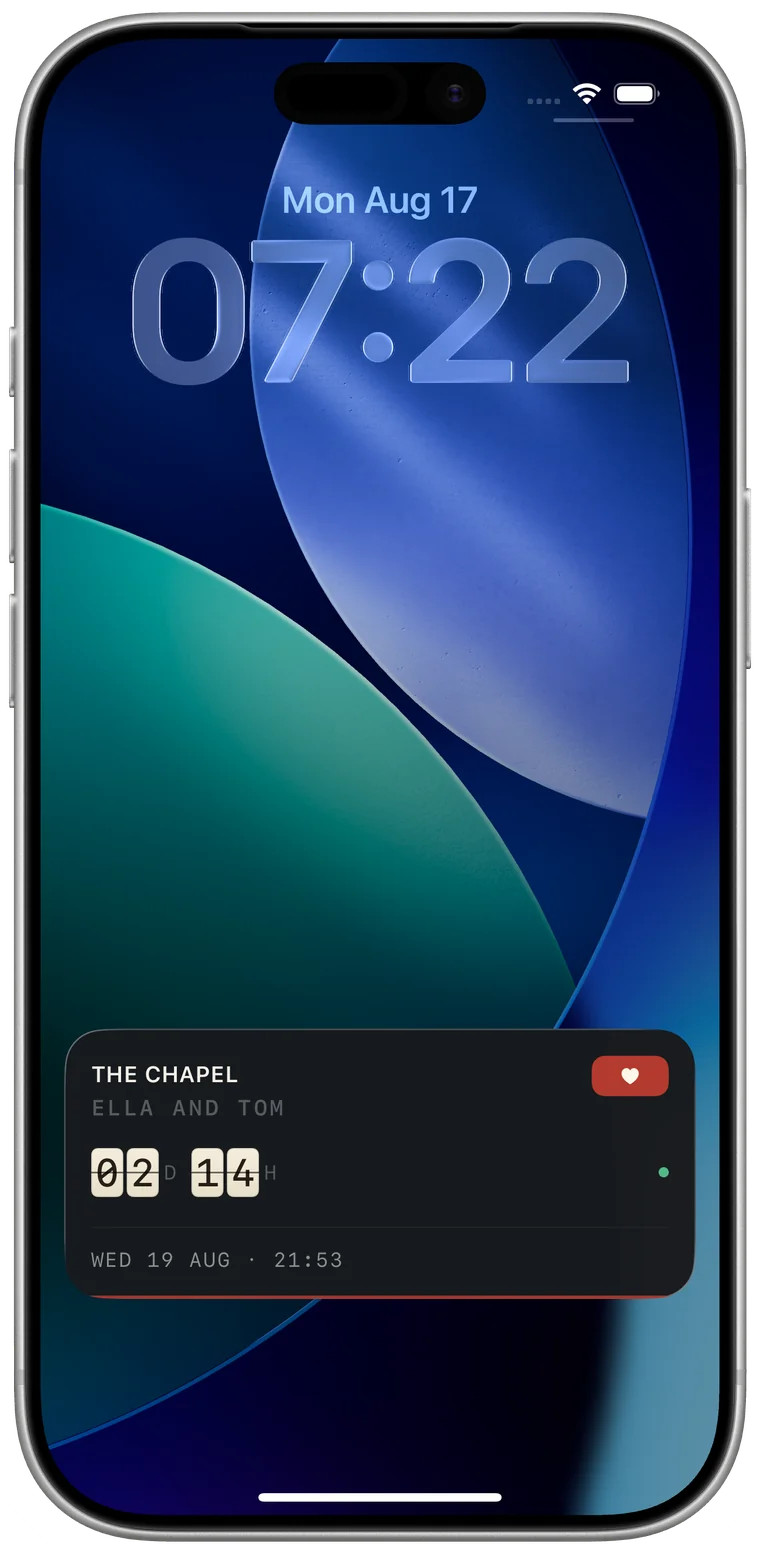
Lock Screen
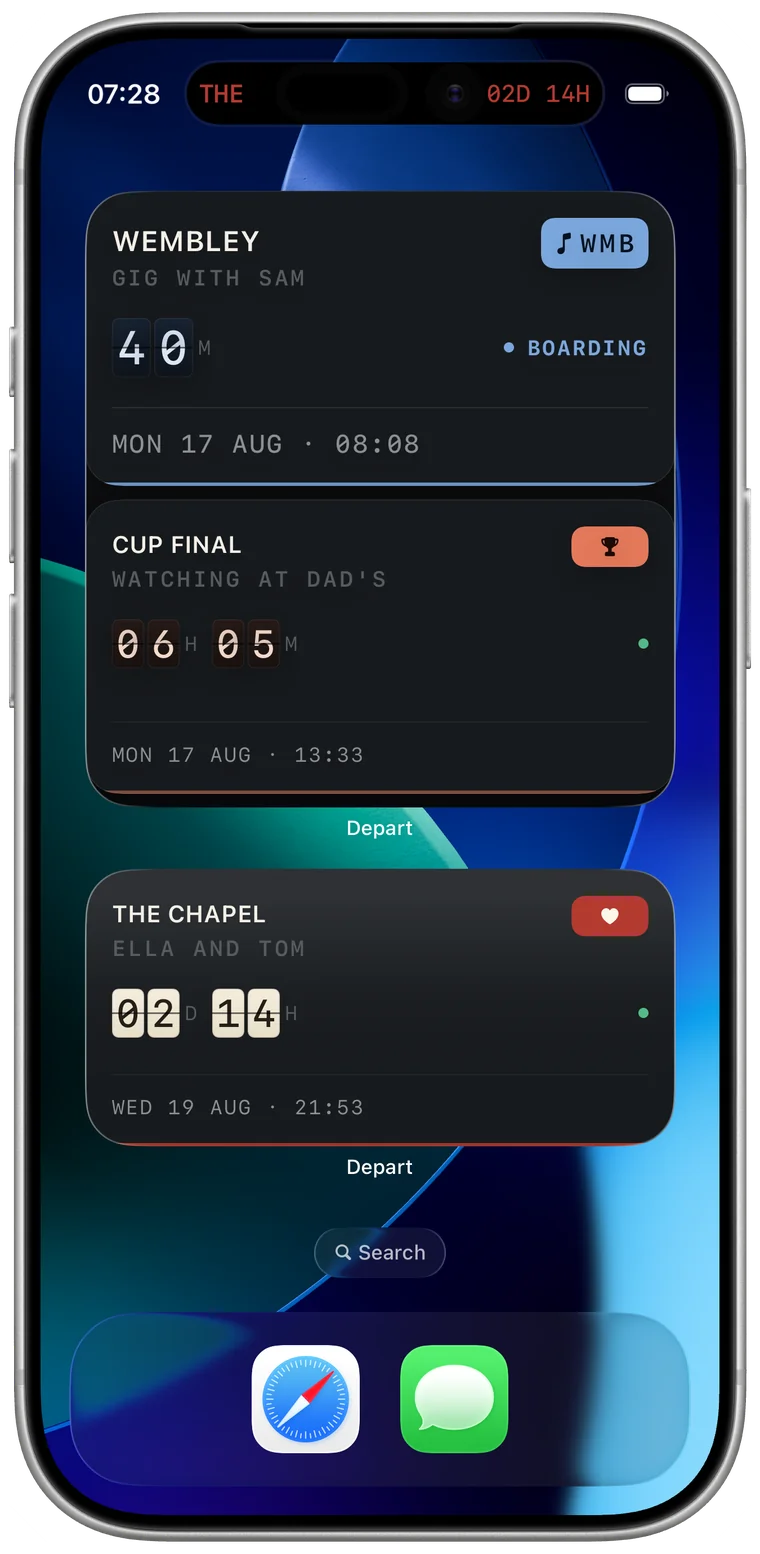
A Live Activity that ticks every time you pick up your phone, and moves into the Dynamic Island as the day gets close. You stop opening the app, which is the point.
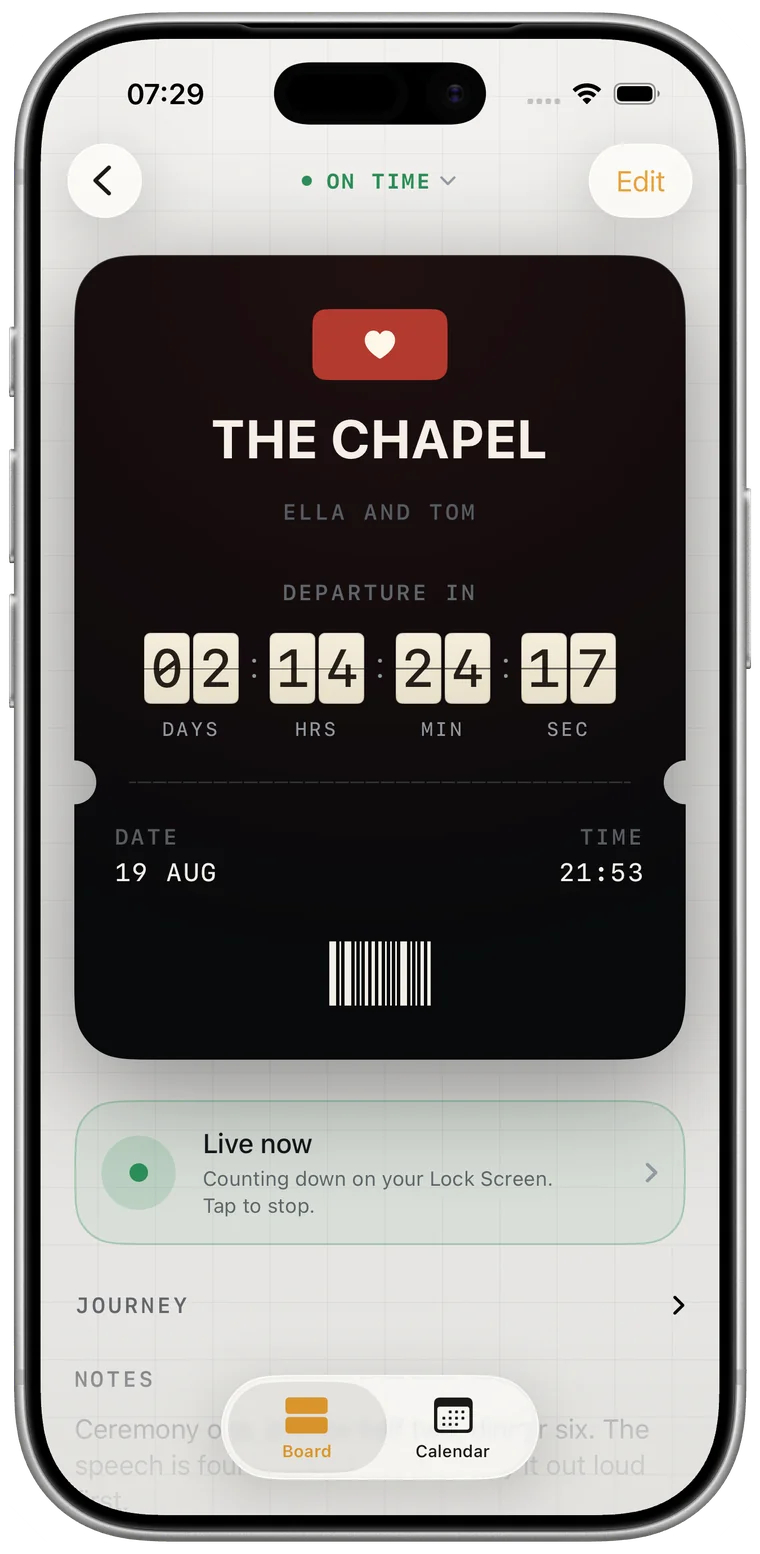
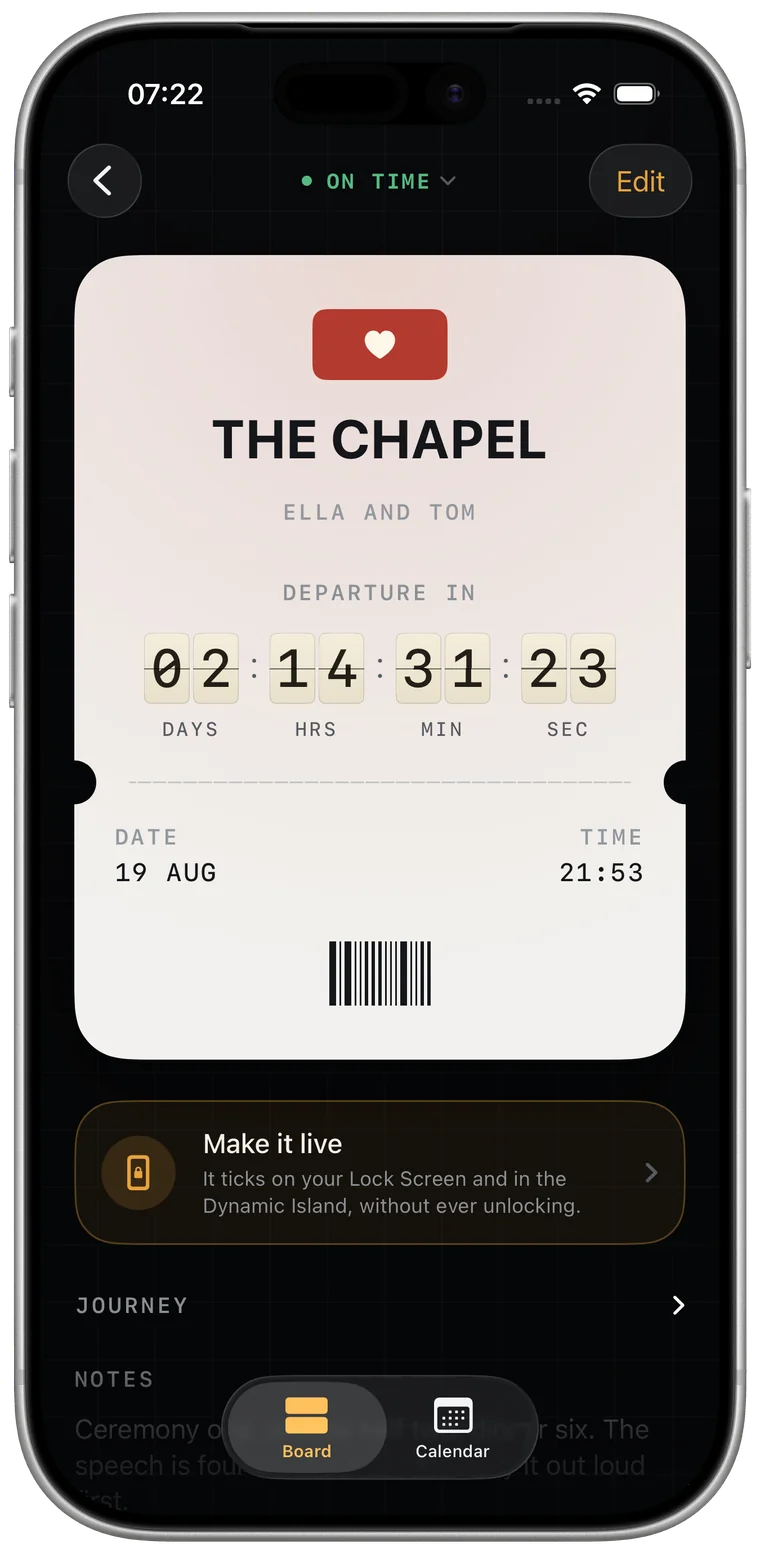
The detail
Perforated edge, barcode, a stub with the details, and the countdown set large across the top. Tilt your phone and the card catches the light.
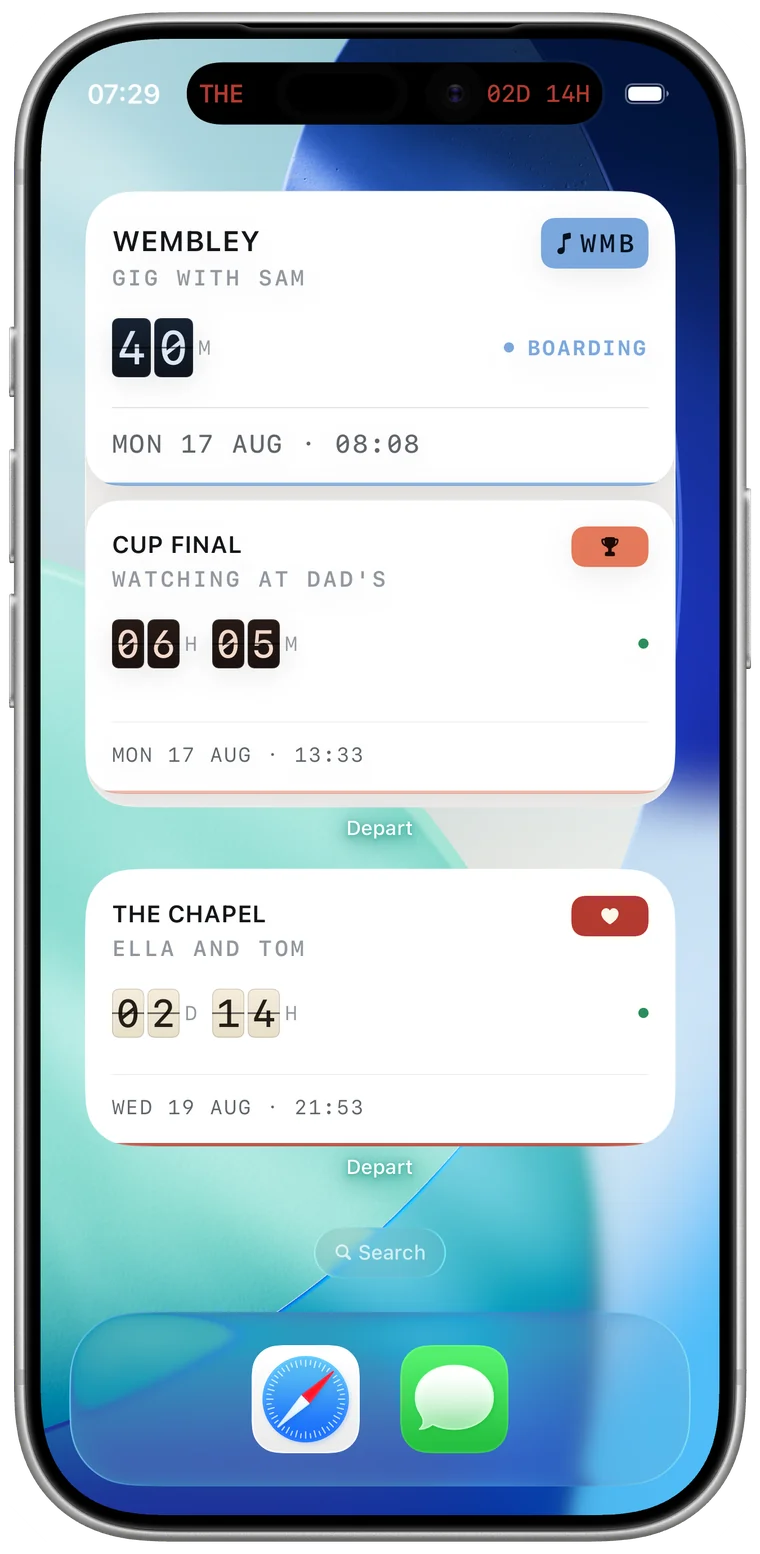
Home Screen
Your next departure, or one you pin there yourself. Pick a style per countdown so a wedding and a work deadline never look like the same thing.
A day before, an hour before, fifteen minutes before, or the moment itself. As many as you want, on every countdown, without paying.
Postpone a countdown and it keeps the original date on record — "originally the 14th" stays true however many times it shifts.
Birthdays and anniversaries roll to next year by themselves. You set them once and they stay on the board for good.
Why a board
A calendar tells you what day it is. A board tells you how long you have left. That is a different feeling entirely, and it is the one you actually want when the thing you are waiting for is still months away.
Countdowns
Live countdowns to dates worth watching, each one computed rather than looked up — and a calculator for any two dates of your own. The full set, holidays included, is on the countdowns page.
Pricing
£0
Best value
One payment
Available as a one-off purchase or a monthly subscription. Prices are shown in the app, in your own currency.
Privacy
Depart has no login and no analytics. Your countdowns are on your device and sync through your own iCloud account, which I cannot see. There is nothing to sign up for and nothing to opt out of.
Questions
No. People use it for weddings, holidays, due dates, deadlines, birthdays and last days at work. The board doesn't care what the date is.
No. There is no login and no sign-up. Countdowns live on your device and sync privately through iCloud if you have it switched on.
No. Every reminder is free, on every countdown. A countdown app that won't remind you properly unless you pay has missed the point.
It flips to DEPARTED and moves to the archive, where you can keep it, bring it back, or delete it. Repeating countdowns roll forward to their next date on their own.
Depart needs iOS 26 or later, and it is an iPhone app — not iPad, not Mac. Widgets, Live Activities and the Dynamic Island are the point of it, and building it around them properly meant building for one device.
Yes, through your own iCloud account, as long as iCloud is switched on. It is your iCloud, not a server of mine — I cannot see any of it, and there is no account to create.
Not yet. A countdown that reaches zero flips to DEPARTED and moves to the archive, where you can keep it, bring it back with a new date, or delete it. Counting up from an anniversary is the most requested thing on the list.
Nothing you already made stops working. The free board holds three; the fourth asks you to upgrade. Every countdown you have keeps its widgets, its reminders and its Lock Screen countdown whether you pay or not.
No, and there is unlikely to be one. Half of what makes Depart worth using — Live Activities, the Dynamic Island, the way widgets refresh — has no equivalent to port to.
iOS decides when a widget may refresh, and it holds back when the battery is low or the app has not been opened in a while. Opening Depart brings every widget back into line immediately.
You can share a card of it — an image of the board row, with no watermark and no link back — from the countdown's own screen. There is no shared or collaborative countdown, because that would need an account, and Depart does not have one.
Entirely. Depart does no networking at all beyond iCloud sync and the App Store. A countdown is a date and some arithmetic; none of it needs the internet.
Purchases go through the App Store, so refunds are handled by Apple at reportaproblem.apple.com. If something is broken, email me first — I'd rather fix it.
Contact
Bugs, ideas, or things that annoyed you. It's one person reading, and most of what's in the app started as somebody's one line.
support@sirekapps.com